Advanced visulization
Advanced visulizations are provided by coperception/tools/visualization/v2xsim_vistoo
The following tutorial and the visualization code are from Yifan Lu
Usage
I first reconstruct the nuscenes-format data, since it's very slow to read?
1. process_v2xsim_v2.py will generate pkl file containing some meta-information of v2x-sim dataset, including lidar pose, gt boxes, and path to actually lidar file.
python dataset_process/process_v2xsim_v2.py
-
folder
simple_plot3dis highly from this repo,simple_plot3d/simple_vis.pyprovide a warpper function for tensor format data. It can draw both BEV image and 3D view image. You can try to integrate thevisualizefunction into your deep learning framework. -
simple_dataset.pyprovide a simple dataset design for v2x-sim 2.0, it will retrieve meta information from pkl file and lidar numpy array using lidar file path. -
Other files like
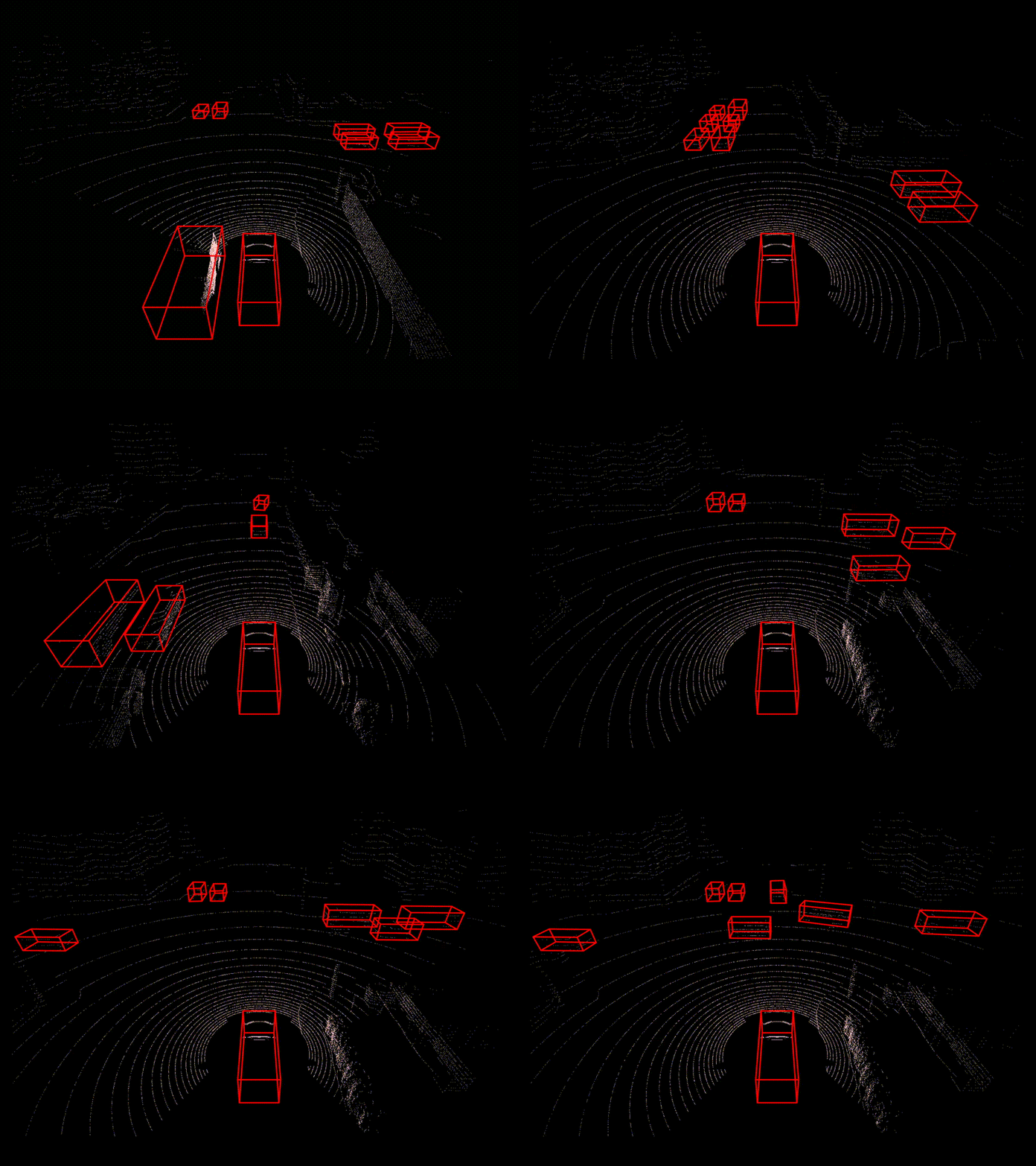
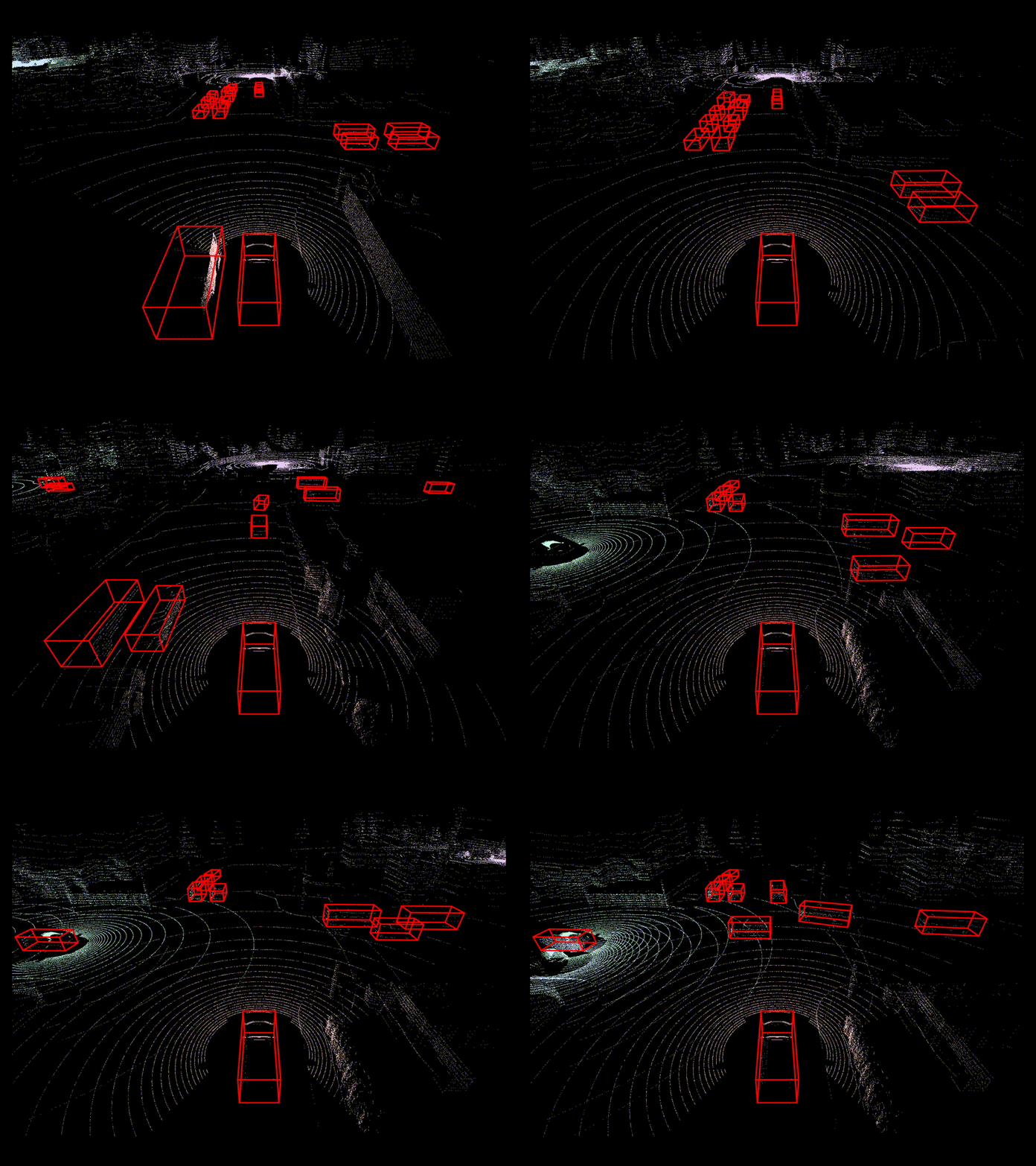
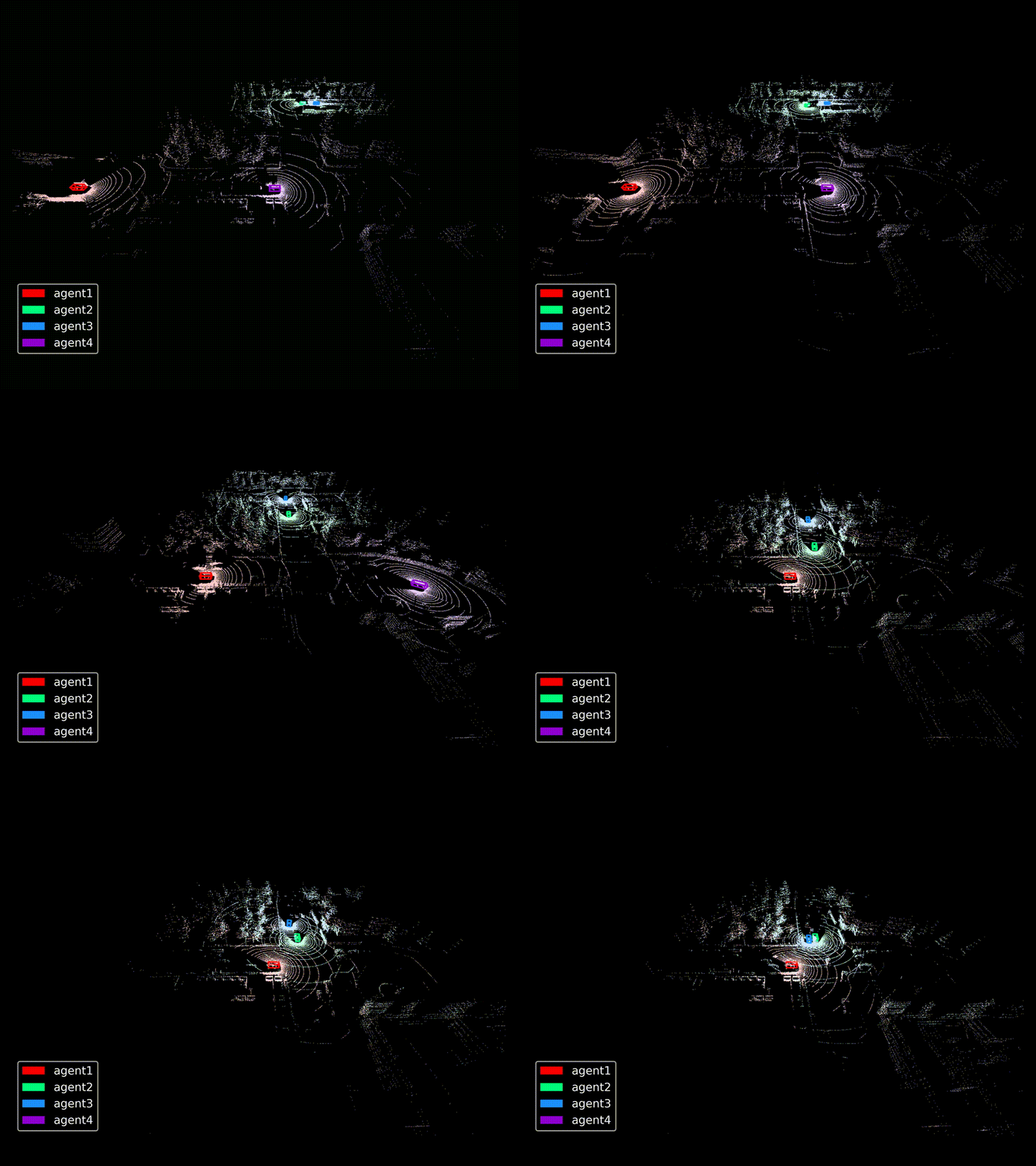
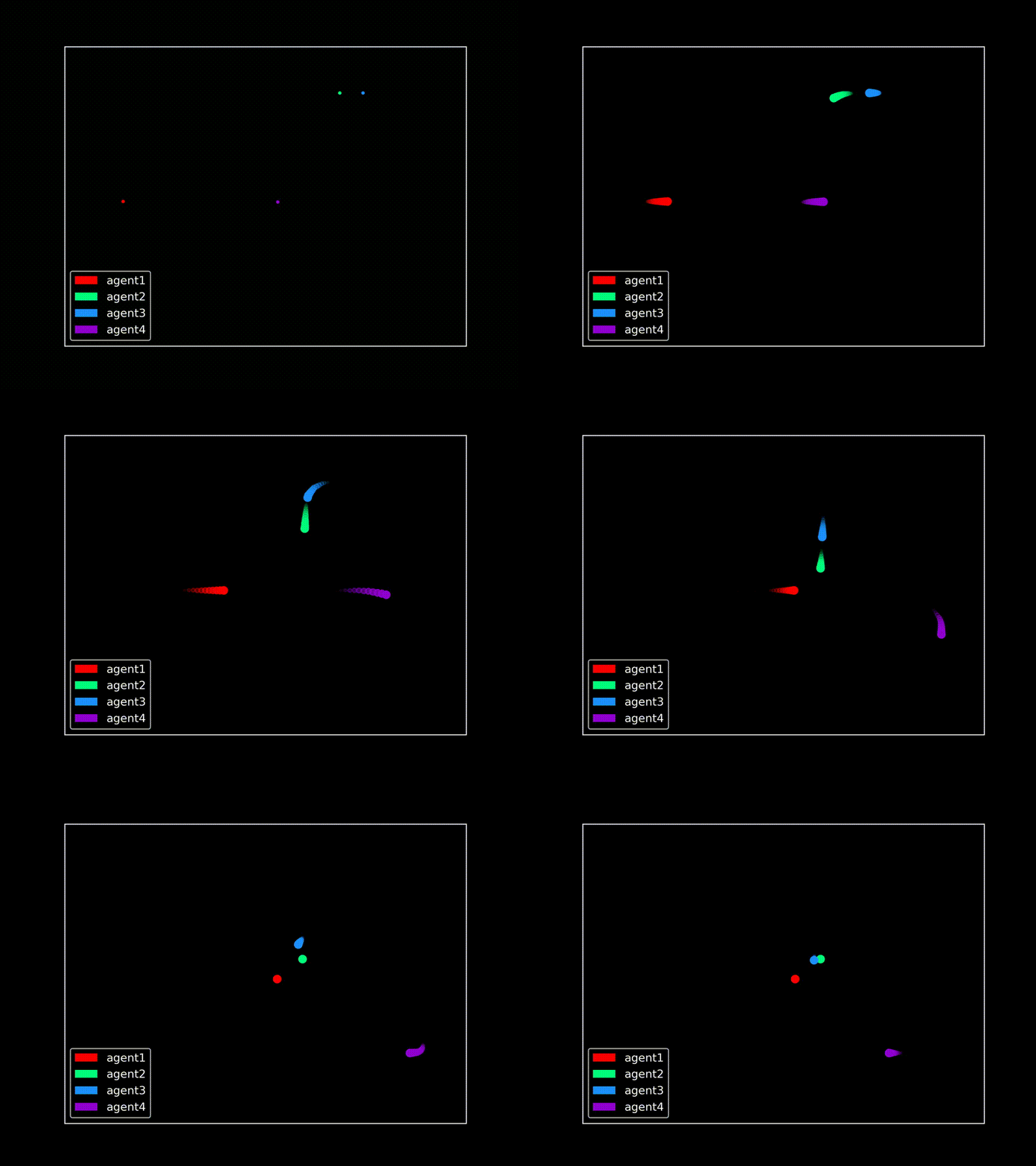
collaboration_view.py,single_view.py,scene_overview.py,location_in_bev.pycan draw seqences of pictures that provide a comprehensive overview of the dataset(given a scene).
python single_view.py
python collaboration_view.py
python location_in_bev.py
python scene_overview.py
Then you can use img2video.py to make image sequence to video.
- You can run
visualize_data_seq.pyto see how to use the warp functionvisualizementioned in 2., just
python visualize_data_seq.py
Result:

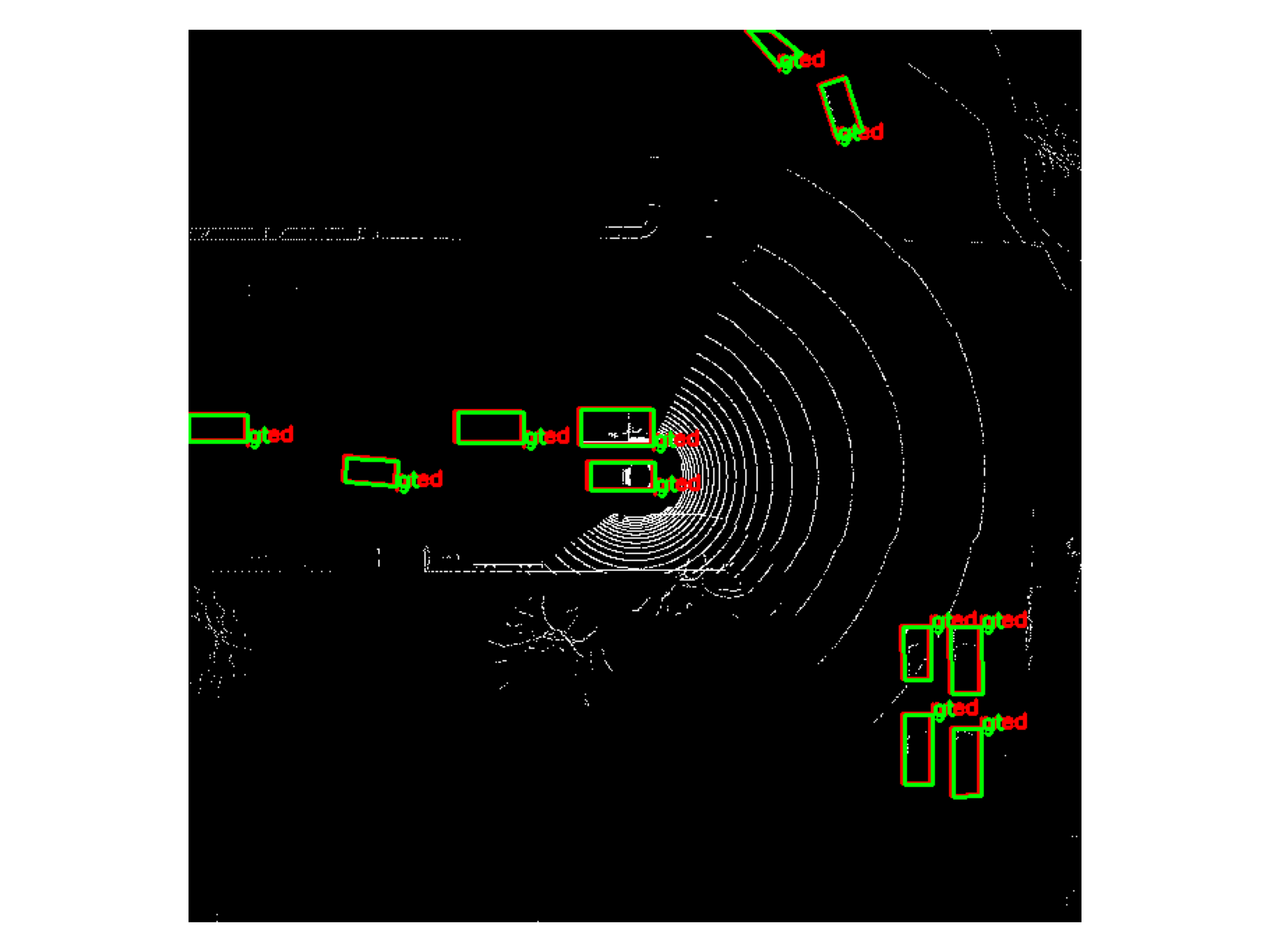
GIFs are shown as below: